Features
Built for running many agents at once
CodeHerd is a native-feeling macOS app that keeps a whole herd of coding agents organised, visible and under control.
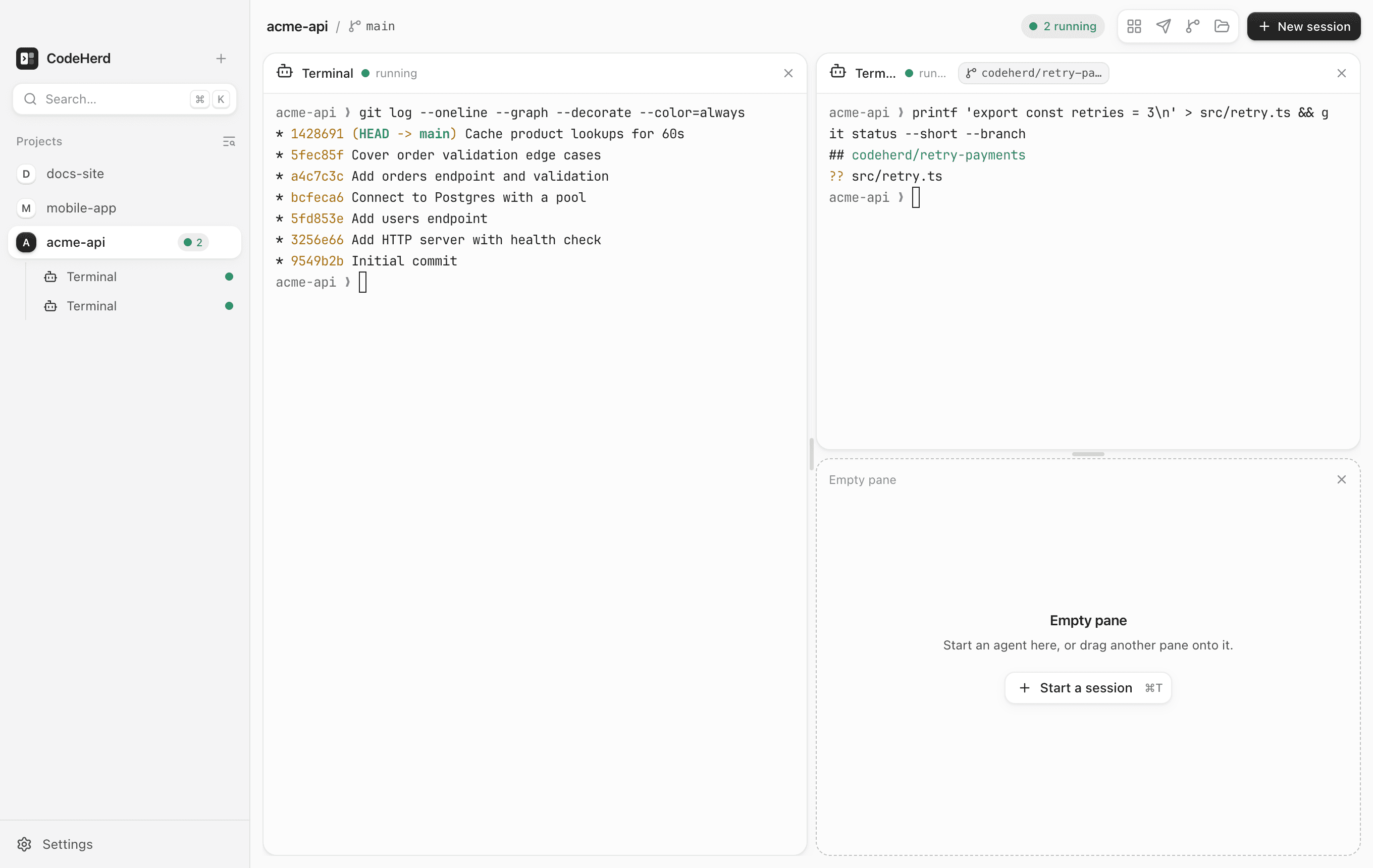
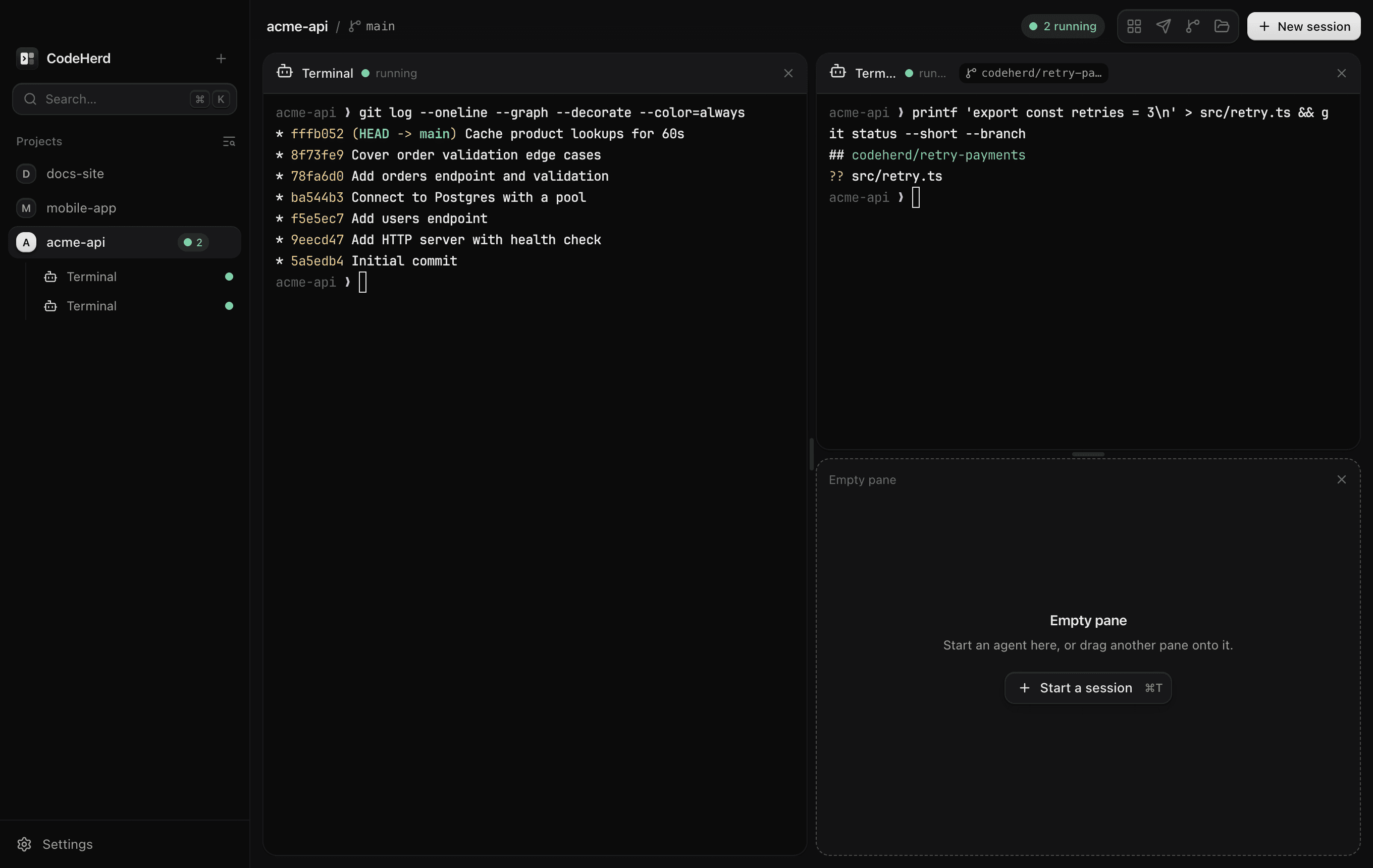
Run agents side by side
- Projects are folders
- Open any folder as a project; each keeps its own layout.
- Drag windows into place
- Every session is a window: drag it onto any edge to rearrange, split right or down, make a balanced grid with one shortcut, or zoom a single pane.
- Restored on relaunch
- Layouts come back exactly as you left them. Ended sessions restart with one click.
- Live while you switch
- Agents in other projects keep running and keep their scrollback while you look elsewhere.
Works with the agents you use
- Claude Code, Codex CLI, Gemini CLI, OpenCode, Muse Code
- Detected on your PATH with their versions; missing ones show install steps.
- Your shell and custom commands
- Anything you can type in a terminal (aider, goose, a dev server) one click away.
- Your login environment
- Opened from Finder or the Dock, CodeHerd still finds nvm, Homebrew and ~/.local/bin.
- Real terminals
- Full-colour, GPU-rendered terminals with flow control, so floods of output stay smooth.
- Herd HQPro
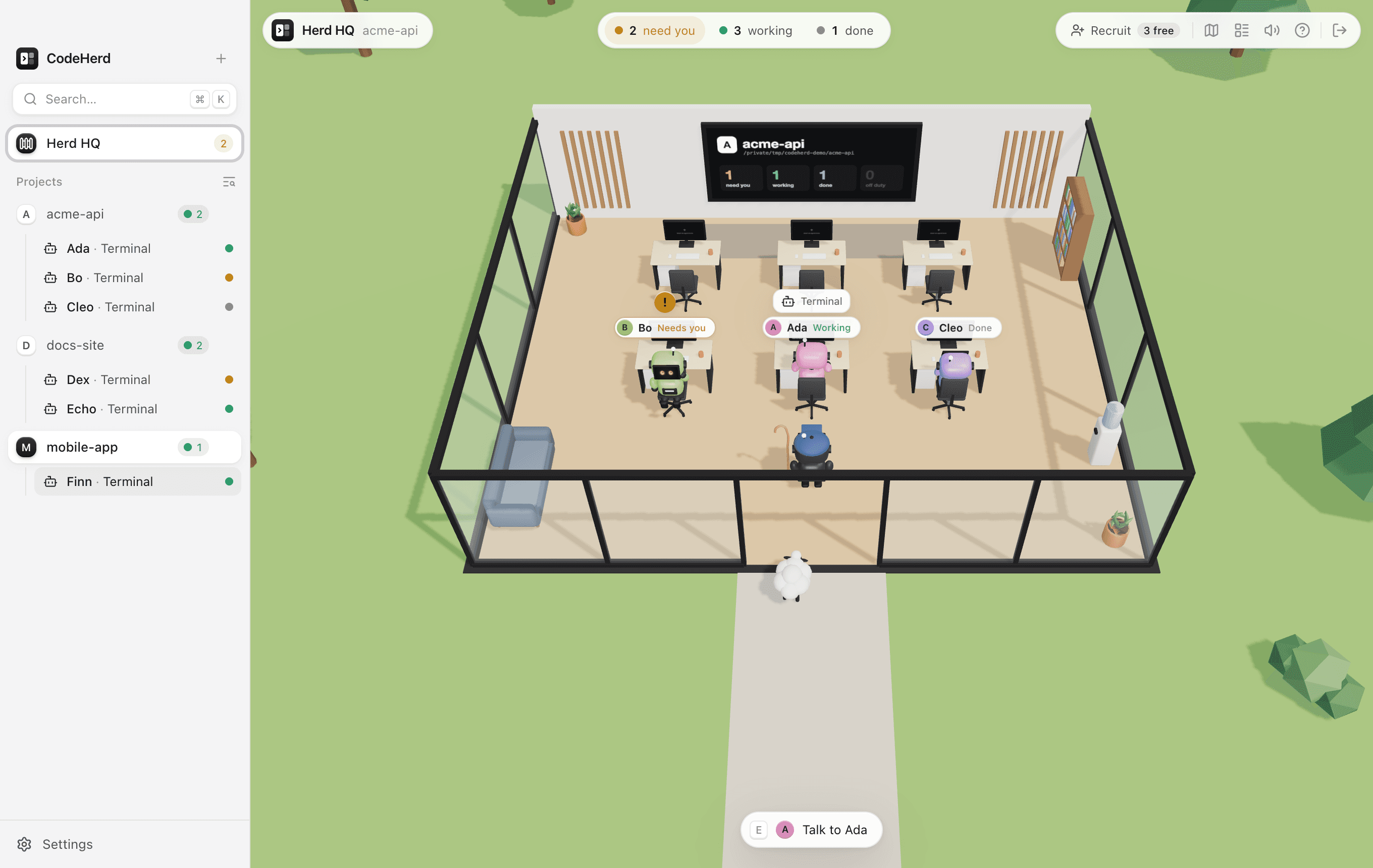
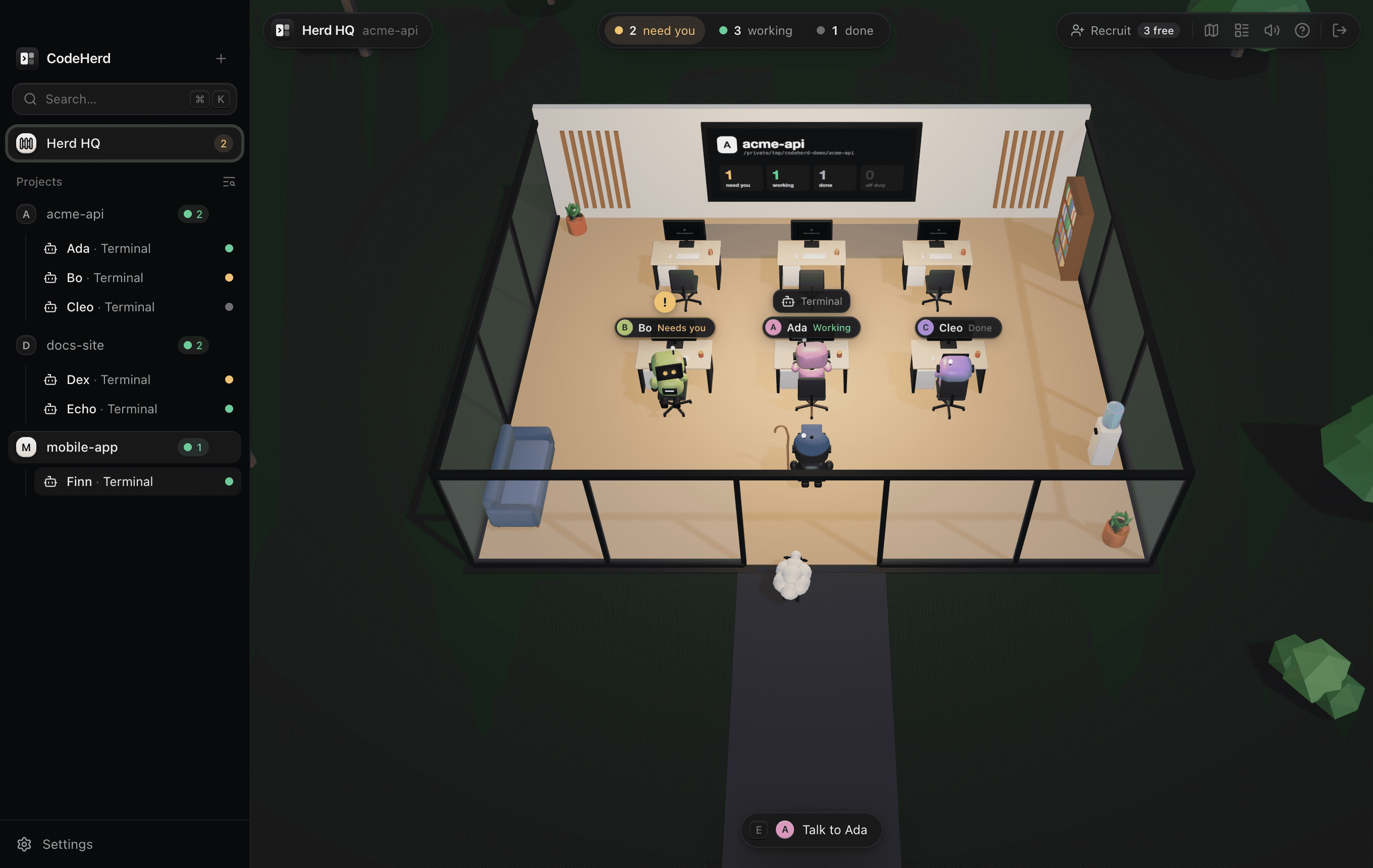
- A little 3D campus: a studio for every project, a desk for every agent, named as in its pane. See who’s working and who needs you at a glance, and walk up to any desk to take its terminal.
- Your files, beside your agents
- Browse the folder an agent works in and edit any file yourself, like adding a key to .env without handing it to the agent. If an agent changes the file while you edit, you choose which version to keep.
- A browser beside your agents
- Links open next to your sessions, and sign-ins always go to your own browser. With Pro, mark up a page with boxes, arrows and notes and paste it into a Claude Code, Codex or Gemini prompt as context.
Safe by design
- A git worktree per session
- One switch gives an agent its own branch and checkout, or runs it in a worktree you already have. Uncommitted work is never deleted silently.
- No orphaned processes
- Closing a pane, window or the app stops everything the agent started, escalating if it must.
- Recovers from crashes
- If CodeHerd is force-quit, leftovers are found and stopped the next time it starts.
- Locked-down app
- Sandboxed UI, strict content security policy, no remote content in the app’s own windows, signed and notarised builds.
Herd HQ Pro
Every session is a named agent. Press ⇧⌘H to see them all at their desks in a little 3D campus, a studio for each project: who's working, who's waiting for you and for how long. Walk up to a desk to take its terminal.
Keyboard first
⌘K command menu · ⌘D split right · ⇧⌘D split down · ⌥⌘← focus left · ⇧⌘G grid · ⇧⌘↩ zoom · ⌘T new session · ⇧⌘H Herd HQ